
Searching Cases by Name
Know the legal spelling and the right court before you pay for a name search. Covington County Circuit and District cases sit inside Just One Look / Alacourt Access. That is a statewide Alabama service. It charges per case. There is no free county portal behind it. A municipal ticket may still live with the city clerk, and probate files, like estates, belong to the Judge of Probate. Settle that question first so you do not pay to search the wrong system.
Keep your search narrow enough to isolate one public case. A common name can pull up unrelated matters across the court docket. Confirm Covington County. Confirm the court, the case type, the filing date, and the current status before you open a detail page or buy an image.
- Choose Just One Look, not AlaFile, and begin the case-access path.
- Enter the party's exact legal name where a name route is offered.
- Select Covington and narrow the court or case type when those controls appear.
- Compare the result's case number, style, filing date, and division.
- Open only the matching Case Action Summary, then note any needed filing by date and title.
| Field Label | Type | Required | Notes |
|---|---|---|---|
| County | Dropdown | Expected limiter | Select Covington. |
| Name | Text | Alternate route | Use exact legal spelling. |
| Case Number | Text | Principal route | Use the complete Alabama number when known. |
| Case Type or Division | Dropdown | Portal dependent | Narrow Circuit or District results. |
Covington County JOL Case Search
Just One Look is the public, on-demand layer for Alabama trial court records. Alacourt.com is different: it sells read-only access by subscription. AlaFile is different too, since registered attorneys and pro se users file documents through it. So start in the reading service. A Covington County case search never begins in the filing login. What you buy is a convenience copy. The Circuit Clerk's record stays official, whatever the report shows.
The official search entry point leads to the right service. It holds the county's Circuit and District files. Its terms and pricing screen spells out a warning. Any report is a dated snapshot of the docket, not a live file. Even a no-match search can trigger the case-access charge, so confirm jurisdiction, spelling, and case type before you submit.
You can open the official Just One Look interface directly. See how the docket search works.
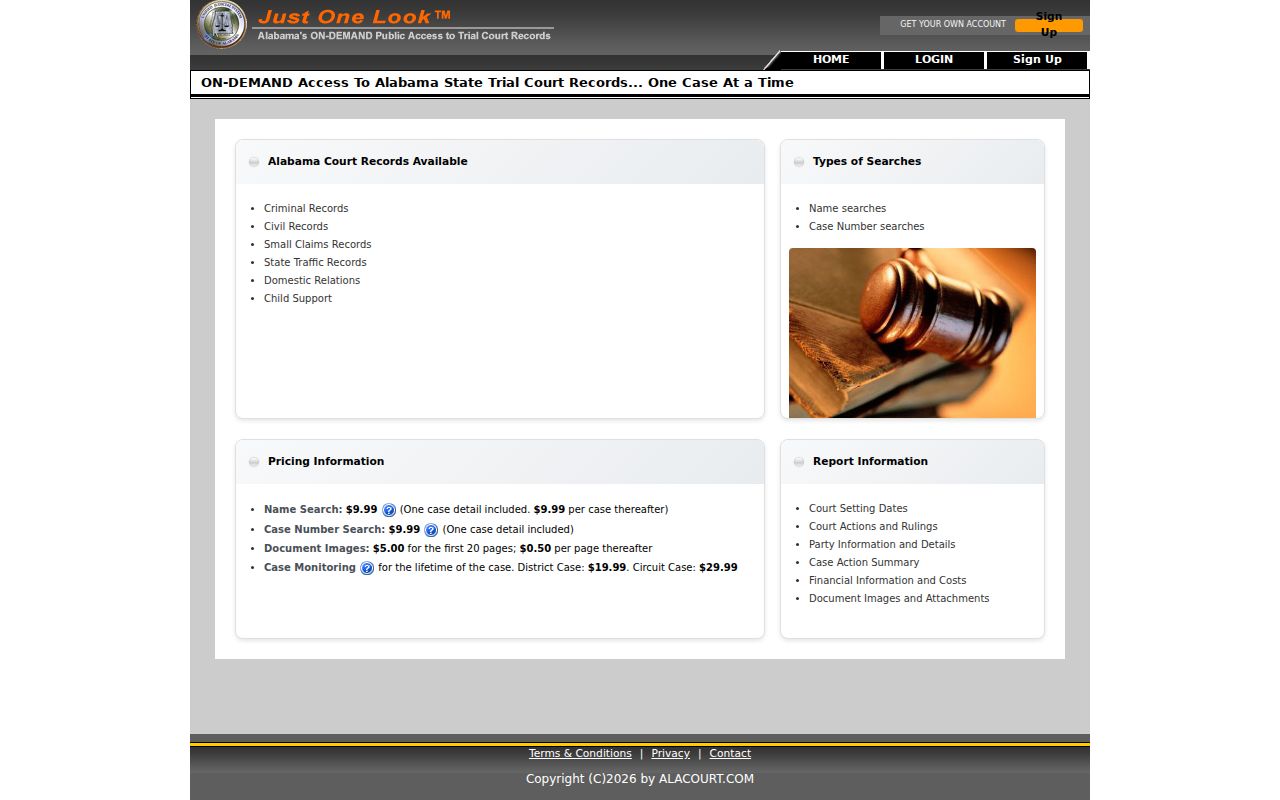
The image marks the correct statewide public-access route for a Covington County case search.
Searching by Case Number
A complete case number is the strongest key. It locks in the case type, the year, and the filing sequence all at once. Alabama prefixes work as routing clues. CV means Circuit civil. CC means Circuit criminal. DR means domestic relations, DC means District criminal, and DV means District civil. Small claims carry SM, traffic carries TR, and juvenile matters carry JU. Type the number exactly as printed on your notice or court order, and do not assume a fee-chart accounting code will double as the public case number.
When a case lookup fails, check the digits. Look for dropped zeros, misread letters, stray punctuation, and a wrong filing year. If the entry still will not resolve, look elsewhere. The matter might be a citation or ordinance case belonging to a municipal court rather than the Covington County District Court docket.
Covington County Case Search Codes
A prefix tells you where a file probably lives. A CC matter points to the Circuit criminal docket. SM points to a District small-claims file. Treat the prefix as a clue only. It cannot replace the court field shown on the actual result. Covington County case search records can also carry administrative codes like CV00, DR00, SM00, ST00, or MT0X, which may describe fees or events rather than the case type itself.
Always read the code next to the full header. The case style, filing year, and named division together give the confirmation that a two-letter prefix never can.
- Case number
- The unique court, type, year, and sequence identifier.
- Case style
- The caption naming the opposing sides.
- Division
- The Circuit or District path that holds the case.
- Sequence
- The identifying number assigned within the court's numbering system.
What a Case Search Returns
Think of the Case Action Summary as a timeline with an index attached. One case record can list a great deal. It covers the court, the case type, the parties, the filing date, the judge, every event and setting, the money entries, and the disposition. How much appears depends on the case and your access level. A document flag only tells you something was filed. It does not promise the image is public or included. Redactions hide protected identifiers. Confidential entries may be left out entirely.
Read events in date order. A single case can end with different outcomes for different claims or charges. And a later order can change what an earlier notice seemed to require. The last word matters more than the first.
| Header | Covington County, court, division, case number, case style, filing date, type, and status. |
|---|---|
| Parties | Role labels such as State, plaintiff, defendant, petitioner, or respondent. |
| Chronology | Dated events, descriptions or codes, entry sequence, and image indicator. |
| Settings | Date, time, event type, and sometimes courtroom or judge. |
| Disposition | Current result and date; separate charges may have separate outcomes. |
Covington County Search Snapshot Dates
A saved report freezes what the service displayed when you bought it. It is not a live, certified archive. A later motion, reset, order, or payment can change the official Covington County case record after the fact. So check the date on the report and read the chronology forward from there. Confirm any time-sensitive setting with the assigned court. Keep in mind the newest line is not always the next hearing, because a docket can list a notice, a request, and a later order as three separate events.
The Just One Look terms say a purchased snapshot stays available for at least 30 days. An update can cost another search fee. The terms screen appears in this official source.
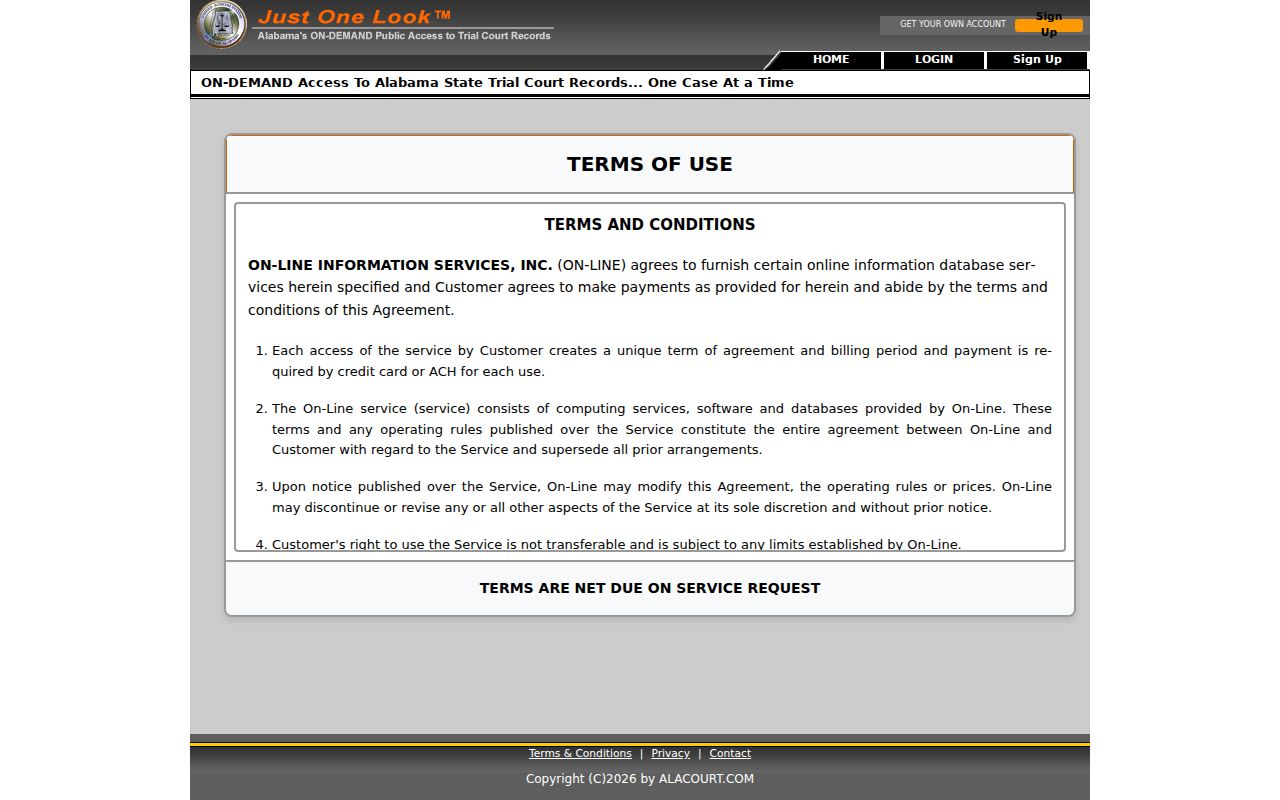
Dated report: that rule is why the court or clerk, not the snapshot, should confirm a live Covington County setting.
Covington County Case Search Images
A Covington County case search entry can tell you a filed image exists. The purchased detail and public download may leave it out. Before you pay for access, confirm the entry date and the document title. If the image is not exposed, hand the clerk those two facts. Then make a focused request.
Authorization and restriction matter too. A public index line is not the final word. It never overrides a sealed filing, a protected identifier, or a confidential case rule.
Statewide vs County Case Search
Covington County has no branded free docket portal of its own. For a statewide case lookup from home, use Just One Look. It covers Circuit and District cases for a fee. In the county, the Circuit Clerk's counter and public terminal do the work. Alacourt.com offers subscription access for people who pull dockets often. None of these routes reaches a city case. That one belongs to the municipal clerk. Probate records sit with Probate Court. Match the tool to the task. A remote docket search saves a drive when you know the state trial case. For old files, the clerk is the better stop. The same goes for a missing image or an authenticated copy.
| Statewide Remote Search | Covington Clerk Access |
|---|---|
| Paid Just One Look case access or Alacourt.com subscription. | Free in-office viewing of public electronic trial-court records. |
| Useful when travel is hard and the court path is known. | Useful for older files, missing images, and precise copy requests. |
| A convenience report or available image. | Plain or certified copies from the official record. |
Covington County Free Case Search
Free viewing survives in Alabama under Rule 401. The rule keeps electronic Circuit and District dockets open to the public at the clerk's office during business hours. So a Covington County case search starts with the Circuit Clerk counter or public terminal at One North Court Square, Andalusia. Call 334-428-2520 before you drive over. Ask the clerk whether the record you need is electronic, paper, archived, or on microfilm. The answer shapes how the search runs. The county does not publish room locations or terminal-assistance details. Bring a case number if you can. A full case style, the likely division, and an approximate filing year also help the clerk narrow the court docket quickly.
Covington County Circuit Clerk
One North Court Square
Andalusia, AL 36420
334-428-2520
Covington County Missing Case Search
When a case lookup comes up empty, work through the usual causes. Check the spelling, the case type, the court level, and the filing year first. A municipal ticket never enters the county trial-court docket unless it gets appealed. Probate matters live with a separate office. Juvenile files, sealed records, and other confidential material may be hidden or limited. Older records may still sit on paper or microfilm. If the entry still will not appear, keep going. Give the Circuit Clerk the full case style, likely division, approximate filing year, and the exact document sought. A focused description beats a broad name request every time. A city ticket belongs to the issuing municipal court. When you need proof of a filing or a result, order a certified copy. Do not trust a screen capture.
Access and Restricted Cases
Alabama keeps its court records open. A constitution, statute, rule, court order, or binding authority must say otherwise. Access is broad, but not absolute. Rule 303 makes filers redact all but a sliver of any Social Security number, taxpayer identification number, or financial account number. Redaction and sealing differ. A sealed item is withheld under legal authority. A redacted public record stays available with the protected details stripped out. Paying a fee does not open sealed, juvenile, confidential, or privileged material. The Alabama Rules of Court-Record Privacy and Confidentiality draw that line. Anyone seeking restricted material must follow the proper court process and may need an order. Other readers should simply ask the clerk for the Case Action Summary or a named filing. The clerk applies whatever restriction governs it.
Covington County Search to Copy
Finding an entry only locates the record. It proves nothing. Once the docket entry turns up, write down its date, title, case number, and court. A portal image may be fine for a quick review. For legal proof, though, take the request to the Circuit Clerk, who can produce a plain copy or certify it against the official court record. Images, judgments, mail requests, and certification have their own steps; the Covington County court records process begins with the exact identifiers you jotted down. A transcript moves through the court reporter instead. Every record type has a different keeper.
Covington County Case Search Systems
Three systems play three distinct roles in a Covington County case search. AlaFile receives filings from registered attorneys and pro se users. AlacourtPlus is the internal processing system for clerks and judges. Just One Look sells case detail to the public. Emailing a clerk or judge is not a filing. Logging into the filing portal is not the way to run a public case lookup. That division explains the lag. A newly submitted document can pass through filing and court processing before it ever shows as a public Covington County docket entry. For an urgent deadline or setting, rely on the filed receipt and the court's instructions. Then confirm with the assigned clerk. Do not assume the public viewer refreshes at once.